
SOP: Adding Partopia as a Business manager
Go to Business settings.
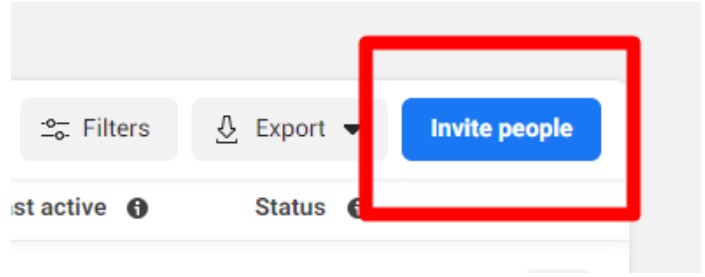
Select Invite People from the Users tab.
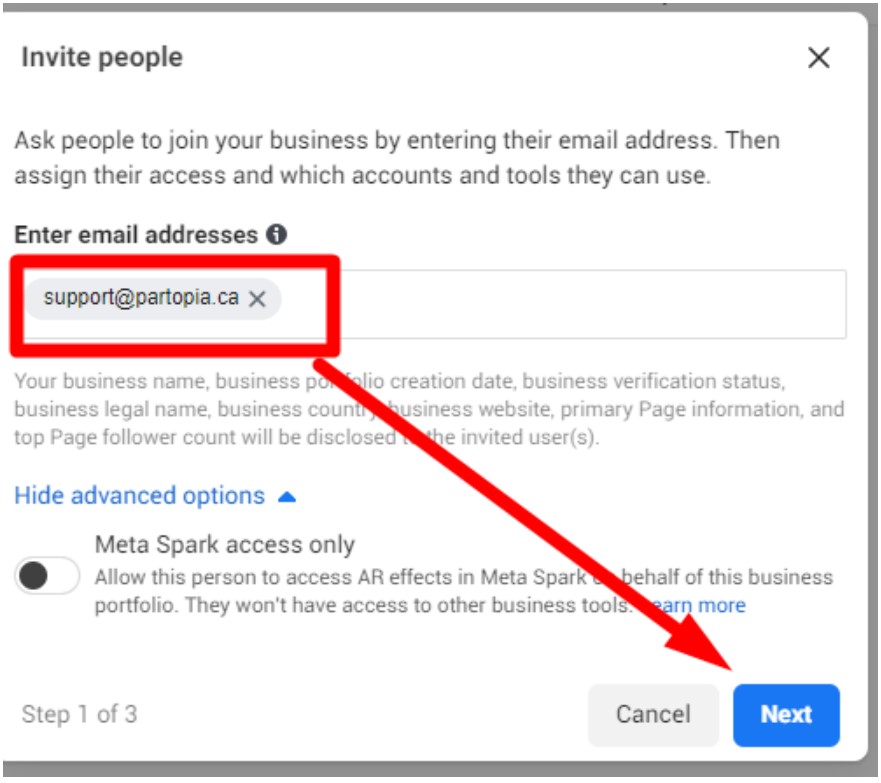
Add support@partopia.ca and then click Next
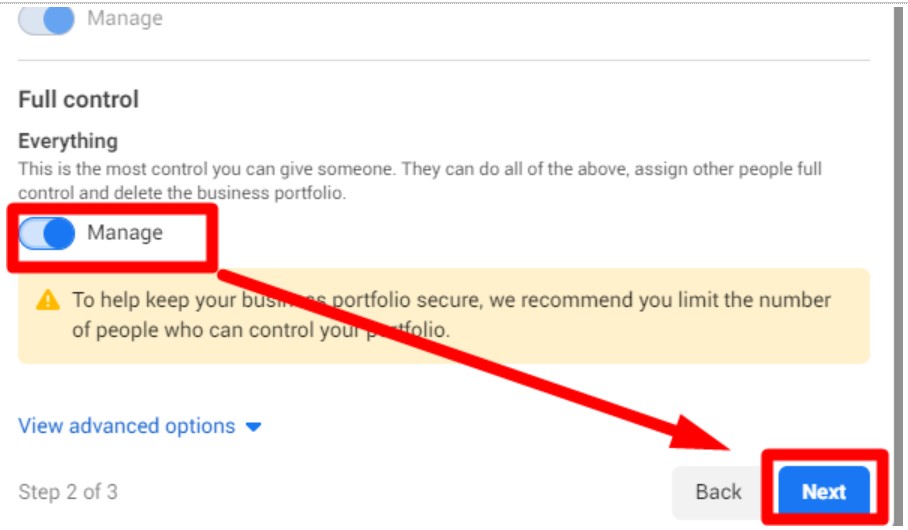
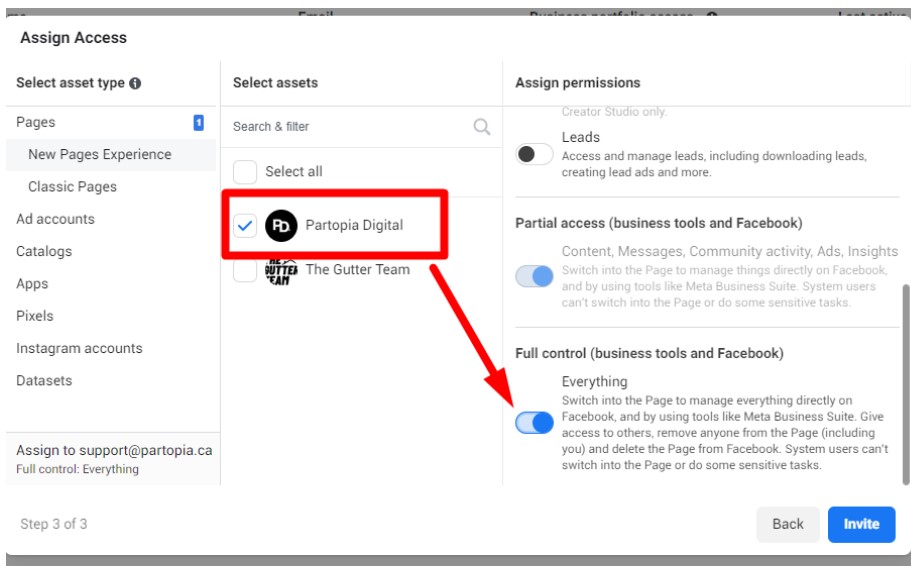
Turn on Full Control
Select the Page where you want to attach the ads to and turn on Full Control
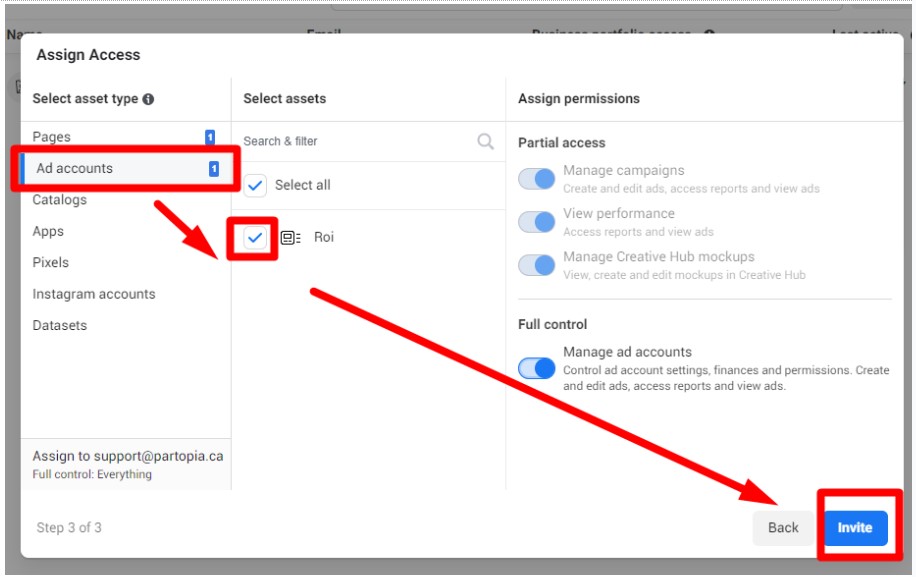
If you already have an ad account existing and want to use that, switch to Ad accounts, check the account and then click Invite